
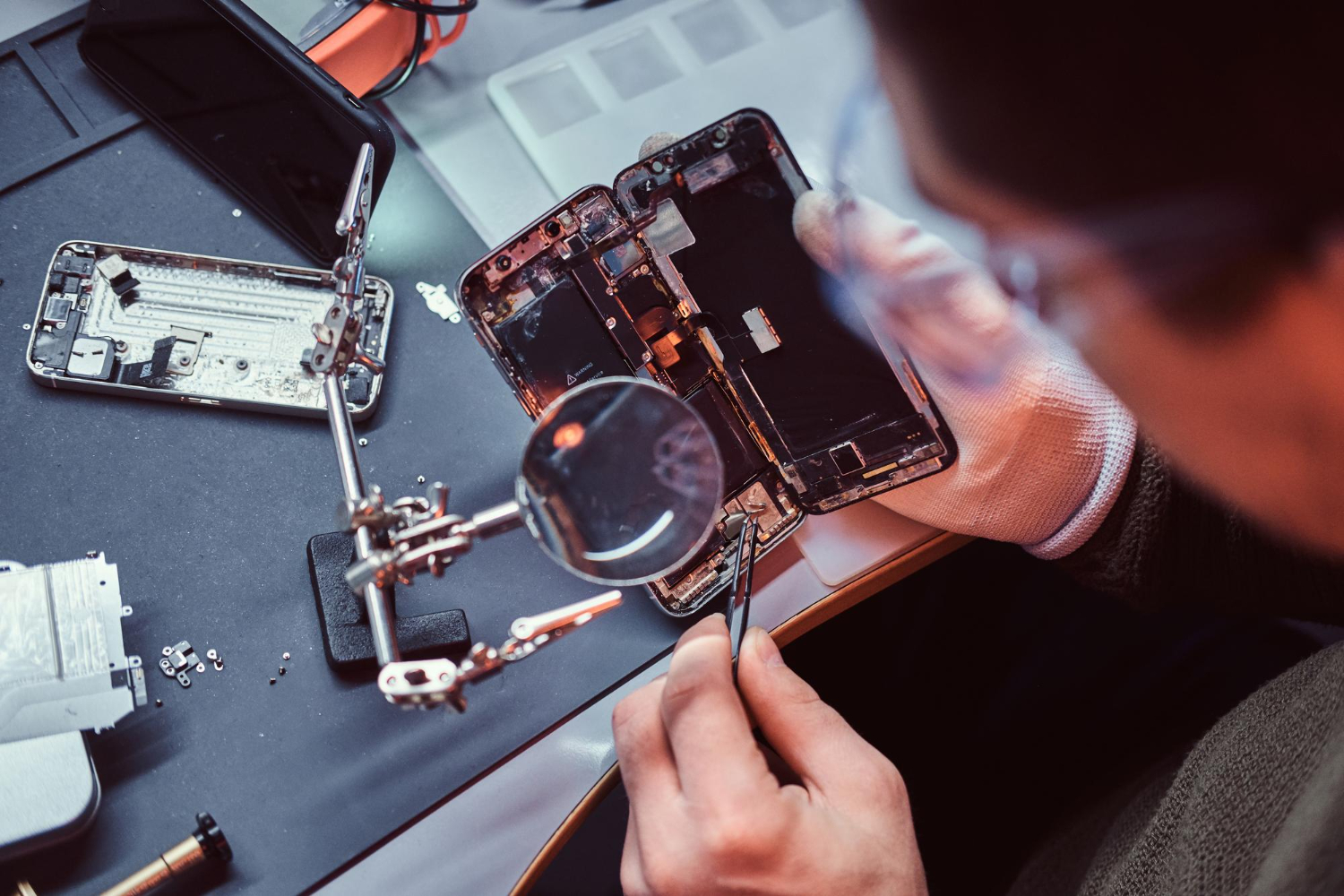
You replaced your phone's cracked display six months ago.
Or maybe the original battery became weak, so you installed a new one.
Now you want to sell the phone.
The obvious question is:
Will a replaced screen or battery reduce what the phone is worth?
Possibly. But a repair does not automatically make your phone unsellable.
When you sell a repaired phone to us, we look at more than the fact that a part was replaced. We check what was replaced, whether the replacement works correctly, the quality of the part and the overall condition of the device.
The important part is telling us about the repair before pickup.
A repair disclosed during the online valuation can be factored into your quote. A repair discovered only during inspection can create a mismatch between the phone described online and the phone we actually receive.
Here are seven checks we recommend completing before our pickup representative arrives.
Can You Sell a Phone With a Replaced Screen or Battery?
Yes.
We can still evaluate a phone that has previously been repaired.
A replaced:
Screen
Battery
Back panel
Charging port
Camera
Speaker
does not automatically mean the phone has no resale value.
What matters is the type and quality of the repair.
For example, an iPhone with a correctly installed genuine replacement display is different from an iPhone fitted with a low-quality third-party screen that has touch, brightness or True Tone problems.
The same applies to batteries.
A replacement battery that charges properly and performs normally is different from one that produces warnings, drains unusually quickly or causes the phone to shut down.
If you are deciding where to sell a repaired device, our guide to the best app to sell old phone explains the main selling options available.
Check 1: Declare the Repair Before Getting Your Final Quote
This is the most important check.
If your phone has had a screen or battery replacement, tell us.
Do not choose "original screen" simply because the replacement looks perfect.
Do not report the battery as original because its health is good.
Our online valuation depends on the information you provide.
During pickup, we verify the phone's:
Exact model
Storage and variant
Screen
Battery
Body
Cameras
Speakers
Microphone
Buttons
Charging
Biometrics
Connectivity
Repair history
Account locks
If the phone matches what you submitted, the inspection is much more predictable.
If we discover an undeclared repair or fault, the valuation may need to change.
The easiest way to avoid a surprise at pickup is to describe the phone accurately before booking.
You can check your phone value after entering its current condition.
Check 2: Find Out Whether the Replacement Part Is Genuine
Not all replacement screens and batteries are equal.
If the repair was carried out by the manufacturer or an authorised service centre, keep any service invoice or repair record you received.
If you used an independent repair shop, find out what part was installed.
This matters particularly for iPhones.
On supported iPhones, Apple provides a Parts and Service History section under:
Settings → General → About
Depending on the phone and repair, this can show information about replaced parts such as the display or battery.
A part may be identified as genuine, used, unknown or otherwise require further repair configuration depending on the model and software version.
That history is one of the things that can affect an iPhone's resale value.
Our own iPhone valuation process specifically considers whether the screen or battery has been replaced and whether genuine parts are present.
If you are selling an Apple device, you can check your iPhone price before pickup.
Check 3: Test the Replacement Screen Properly
A screen that turns on is not necessarily a fully working screen.
Before selling, spend a few minutes checking the entire display.
Test Touch Response
Open an app where you can type or draw.
Test different areas of the display, especially:
Corners
Edges
Keyboard
Swipe gestures
Multi-touch
A replacement panel with dead touch zones can affect the valuation.
Look for Display Lines and Spots
Check for:
Green or pink lines
Black spots
Dead pixels
Flickering
Uneven brightness
Discolouration
Do this on both bright and dark backgrounds.
Check Brightness
Raise and lower the brightness.
Make sure the display responds normally and does not flicker.
Check Features Linked to the Display
Depending on the phone, check things such as:
Auto-brightness
Proximity sensor
Fingerprint sensor
Face authentication
True Tone on supported iPhones
Apple notes that some non-genuine replacement displays can affect touch behaviour, brightness, colour calibration and related display functions.
If something is not working properly, declare it before pickup.
Check 4: Check the Battery, Not Just the Battery Percentage
Seeing "100%" in the status bar only tells you how much charge the phone currently has.
It does not tell you whether the battery itself is healthy.
After a battery replacement, check:
Whether the phone charges normally
Whether charging stops unexpectedly
Whether the battery drains unusually fast
Whether the phone overheats
Whether it shuts down suddenly
Whether the battery percentage jumps unexpectedly
Whether any battery warning appears
For iPhones
Open:
Settings → Battery → Battery Health & Charging
Check the available battery-health information.
We use battery performance as one of the factors when calculating the value of an iPhone.
If the battery has been replaced, also check Parts and Service History under General → About where supported.
Apple notes that battery-health information may not be accurate when a battery cannot be verified.
For a deeper look at how condition affects Apple resale prices, read our guide to selling an old iPhone.
Check 5: Test Everything Around the Repaired Part
A repair can sometimes solve one problem while introducing another.
For example, after a screen replacement, check:
Front camera
Face ID or facial recognition
Fingerprint sensor
Earpiece
Proximity sensor
Auto-brightness
After a battery replacement, check:
Charging port
Wireless charging, if supported
Fast charging
NFC
Back-panel fit
Device temperature
Also inspect the phone physically.
Look around the screen and back panel for:
Gaps
Loose edges
Raised panels
Excess adhesive
Uneven fitting
We do not evaluate a phone based only on whether it switches on.
Overall functionality matters.
Check 6: Remove Locks and Prepare Your Data Before Pickup
A repaired phone can still have good resale value.
A phone locked to someone else's account is a much bigger problem.
Before our representative arrives:
Back up your photos and files.
Transfer WhatsApp data.
Move authenticator accounts.
Sign out of your Apple ID or Google account.
Turn off Find My iPhone or Find My Device.
Remove your physical SIM.
Transfer or remove your eSIM.
Remove your memory card.
Remove screen locks before the final handover.
Keep the phone charged.
For an iPhone, Activation Lock needs to be removed before the device can be resold. Apple also advises buyers of used iPhones not to accept devices that remain Activation Locked.
When you sell with us, we also complete the data-wipe process before the device leaves your possession.
If you are comparing selling with exchanging the device at a retailer, our sell vs exchange guide explains the difference.
Check 7: Keep Repair Proof and the Phone Ready for Inspection
If you have documents from the repair, keep them nearby.
Useful records can include:
Manufacturer service invoice
Authorised service-centre receipt
Repair bill
Part replacement invoice
Repair warranty
Do not worry if you no longer have every document.
The phone still needs to pass the physical and functional checks.
But a genuine repair record can help clarify exactly what was replaced and where the repair was completed.
Also make sure the phone has enough charge when we arrive.
We need to test functions such as:
Display
Cameras
Speakers
Microphone
Charging
Network
Wi-Fi
Bluetooth
Biometrics
Buttons
A phone at 1% battery makes verification unnecessarily difficult.
If you are in Bengaluru, you can sell phone in Bangalore and schedule a doorstep inspection in a supported PIN code.
Does a Replaced Screen Reduce Your Phone's Resale Value?
It can.
But "screen replaced" alone does not tell us enough.
We care about questions such as:
Was a genuine part used?
Does touch work across the full screen?
Are brightness and colours normal?
Does Face ID or the fingerprint sensor work?
Are there gaps or fitting problems?
Does the phone report an unknown or non-genuine component?
A high-quality repair and a poorly executed repair should not be treated as the same thing.
That is why we ask about repair history as part of the valuation.
Does a Replaced Battery Reduce Resale Value?
Again, it depends.
Replacing an ageing battery is not automatically a negative.
If the new battery is genuine or high quality, correctly installed and performing normally, that is different from a battery that causes warnings or functional problems.
For iPhones, battery Maximum Capacity and replacement-part status can be particularly relevant to valuation. Our current iPhone selling page specifically asks sellers to report these details accurately because they are checked during pickup.
The important thing is not to hide the replacement.
Tell us about it and let the quote reflect the phone you actually own.
Should You Replace a Broken Screen Before Selling Your Phone?
Not necessarily.
This is a common mistake.
Suppose repairing the display costs ₹8,000.
But having a perfect screen increases the resale value by only ₹5,000.
You have spent ₹8,000 to gain ₹5,000.
That does not make financial sense.
Before repairing a phone purely to sell it:
Check its value in the current damaged condition.
Find out the real repair cost.
Estimate its likely value after repair.
Compare the difference.
Sometimes repairing first makes sense.
Sometimes selling the damaged phone directly gives you the better net result.
This is also why we recommend comparing actual valuations instead of assuming every repair increases resale value.
Should You Replace a Weak Battery Before Selling?
Use the same calculation.
Do not spend money on a replacement just because you think buyers will automatically pay more.
First find out what the phone is worth with its existing battery.
If the expected increase in selling price is smaller than the battery-replacement cost, replacing it purely for resale may not be worthwhile.
If you were already replacing the battery because you needed to continue using the phone, that is a different decision.
What Happens if We Discover the Repair During Pickup?
We verify the phone against the information submitted when the order was created.
Our Bangalore selling page explains that repair history and whether genuine parts are present are among the factors used in valuation. If we find a previously undisclosed issue, we explain why the value has changed before you decide whether to proceed.
That is why we keep repeating one point:
Declare the repair before pickup.
We would rather give you a realistic quote based on the actual phone than show you an inflated figure that changes when we inspect it.
Repaired Phone vs Exchange: Should You Compare Both?
Yes.
A store exchange may still accept a repaired device, but the final exchange value can depend on the retailer's inspection rules.
Before accepting an exchange, find out what the phone is worth as a standalone sale.
Our Flipkart vs buyback comparison explains why exchange value and direct resale value should not automatically be treated as the same thing.
If you are also comparing us with another phone-buyback service, our Cashify vs Swappify guide looks at price, inspection, pickup and payment.
Our Advice Before Pickup
A replaced screen or battery is not something you need to hide.
What matters to us is knowing what phone we are actually buying.
Before booking:
Declare every known repair.
Check whether the replacement part is genuine.
Test the screen carefully.
Check battery behaviour.
Test functions connected to the repair.
Remove account locks and back up your data.
Keep the phone charged and repair records ready.
Do those seven things and the pickup becomes much more predictable.
Ready to find out what your repaired phone is worth?
Check your phone's price with us before booking pickup.
Frequently Asked Questions
Can I sell a phone with a replaced screen?
Yes. A replaced screen does not automatically make a phone unsellable. The valuation depends on the quality of the replacement, whether the display works correctly, the type of part used and the phone's overall condition.
Does a replaced screen reduce phone resale value?
It can. A genuine, correctly fitted replacement may be treated differently from a non-genuine display with touch, brightness, sensor or calibration issues. Declare the repair when requesting your valuation.
Can I sell an iPhone with a non-genuine screen?
Potentially, yes, but a non-genuine or unverified display may reduce the offer. Supported iPhones can show replacement-part information under Parts and Service History, so disclose the repair before pickup.
Can I sell a phone after replacing the battery?
Yes. We can evaluate phones with replacement batteries. We look at battery performance, charging behaviour, replacement-part status where available and the overall condition of the phone.
Does replacing the battery increase resale value?
Not automatically. A healthy replacement battery may make the phone more attractive than one with serious battery problems, but the increase in resale value may be smaller than the cost of replacing the battery.
Should I repair my cracked screen before selling the phone?
Not always. Compare the phone's current value with the repair cost and expected post-repair value first. If the repair costs more than the additional resale value it creates, selling the phone in its existing condition may make more sense.
Can a pickup agent tell if my screen or battery was replaced?
Repair history can sometimes be identified through device diagnostics, physical inspection or system information. Supported iPhones also display certain replacement-part information in Parts and Service History. The safest approach is to declare known repairs before pickup.
Why did my phone price change after inspection?
A valuation may change when the phone's actual model, storage, repair history, physical condition or functionality differs from the details submitted online. We explain any newly identified issue and revised value before you decide whether to proceed.
Do I need a repair invoice to sell my phone?
Not always. If you have an authorised-service or repair invoice, keep it ready because it can help clarify the phone's repair history. The device still needs to pass our physical and functional verification.
Can I sell a repaired Samsung or Android phone?
Yes, subject to the device's condition and our eligibility checks. Repaired Android phones are evaluated on factors such as display quality, battery performance, cameras, charging, biometrics, connectivity and overall repair quality.